

Sport and Exercise Science (Top-Up)
Welcome to BSc (Hons) Sport and Exercise Science Top-Up at Birmingham Newman University.
The Sport & Health subject area at Birmingham Newman is an experienced and friendly community.
We know that the relationship you have with staff with make a big difference to your university experience. All staff are always keen to get to know you and your interests.
Key dates
Teaching starts
- Week beginning: 21 September 2026
Induction day(s)
- Tuesday 15 September (10am)
- Wednesday 16 September (9am)
- Friday 18 September (9am)
More Induction & Timetable information below
Fees & Enrolment
How to start your enrolment
Induction
Timetable
Student Support
Access services and support throughout your degree.
At Birmingham Newman, you’re never alone. We’re here to support you at every stage, whether it’s academic guidance, wellbeing support, or career advice.

Here are some of the ways we can help:
Academic Support >
Help with assignments and study skills
Wellbeing Services >
Mental health support, counselling, and wellbeing
Career Services >
CV advice, placements, and future career planning
Student Finance >
Guidance on tuition fees, funding, and budgeting
Disability Support >
Tailored support and adjustments for your needs
International >
Help with visas and cultural adjustments
Chaplaincy >
Find support, guidance and a listening ear from our Chaplaincy team
Library >
Study smarter with expert support, resources and flexible spaces in our library
IT Services >
Quickly resolve issues and stay connected with expert help from IT Services
If you’re unsure where to start or what support you need, just ask – we’re happy to help.
Student Handbook
OurNewman App
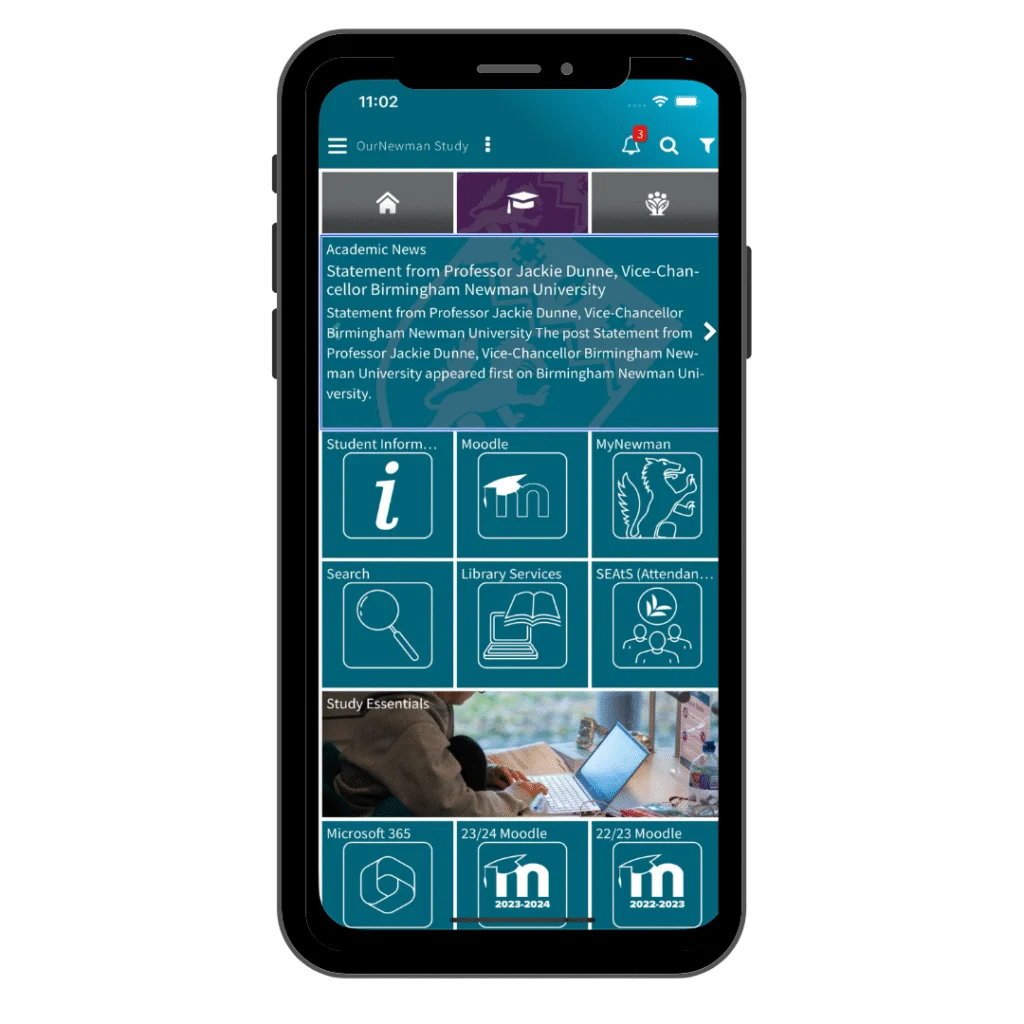
- Find support services and keep up to date with campus events
- Receive personalised notifications about your course, timetable, and deadlines
- Access to your files, emails, and course resources
Newman Students’ Union

Disability & Inclusion, Money Advice
Disability & Inclusion overview
Disabled Student Allowance
Advice & Wellbeing support
Mental Health Support
Student Money Advice
HeadStart
HeadStart is a series of interactive workshops designed to help you feel confident, prepared and connected as you begin your university journey.
Covering everything from digital skills, Moodle and AI, to study techniques, library support, wellbeing, money advice and careers, the programme provides practical guidance to help you succeed both academically and personally.
By taking part, you’ll build essential skills, discover the support available to you, and make a positive start to life at university.
HeadStart schedule
What to expect
Attendance monitoring
At Birmingham Newman University we use SEAtS Software to monitor attendance and engagement in order to support students to achieve success.
For further detailed help on using SEAtS see our SEAtS Guidance on our University Self Service Portal (student login required).